How to Choose the Right Label Paper for Your Project
Matte, glossy, clear, waterproof, kraft, or vinyl? Learn which label paper works best for your printer type, project needs, and budget with side-by-side comparisons.
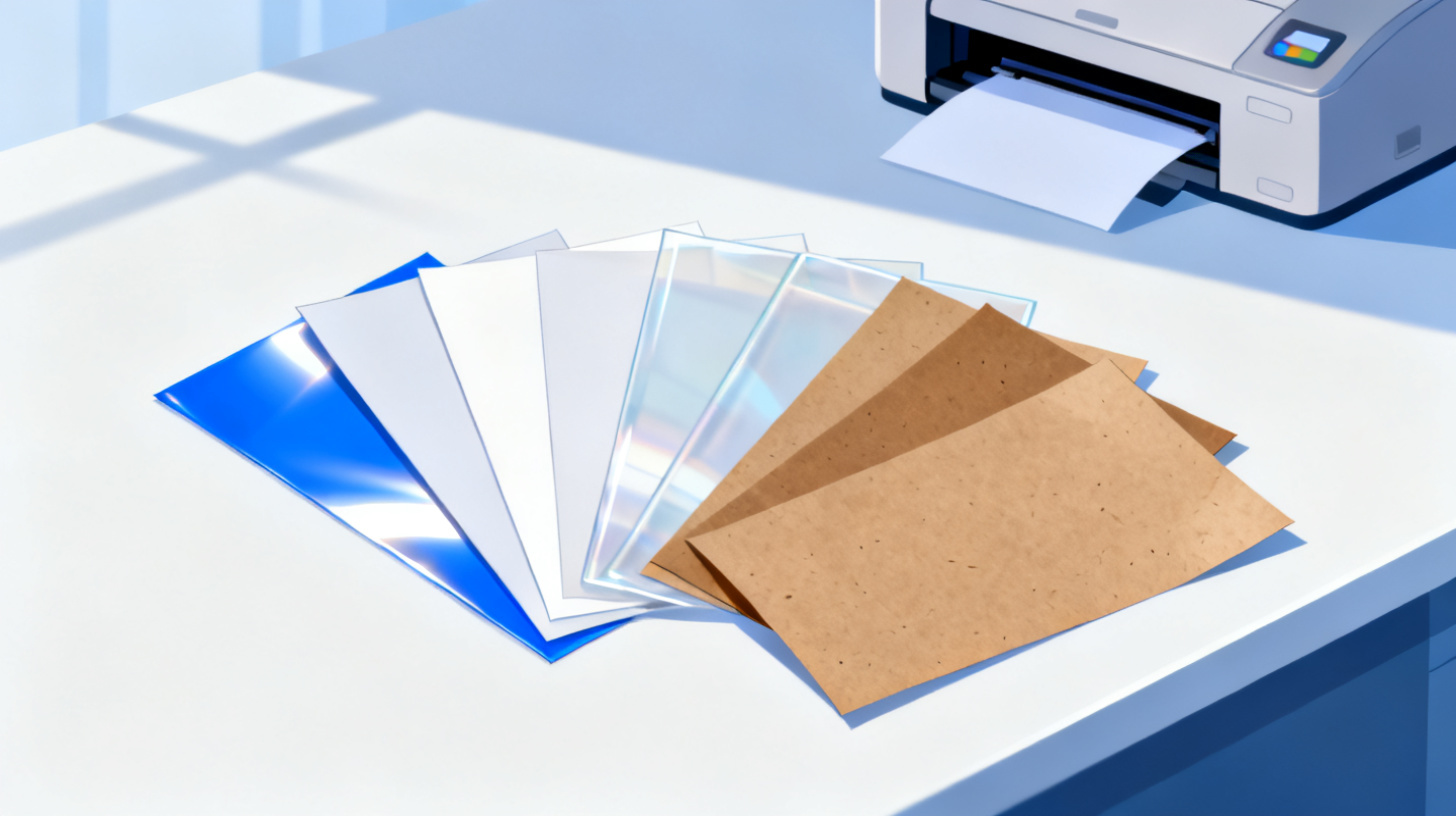
You've designed the perfect label. The layout is clean, the fonts look great, and you're ready to print. Then you realize you haven't picked your label paper yet, and suddenly you're staring at a wall of options: matte, glossy, clear, waterproof, kraft, vinyl. Each one promises something different, and choosing wrong means wasted ink, peeling labels, or a final product that just doesn't look right.
The truth is, label paper matters more than most people think. The material you print on affects how colors look, how long the label lasts, whether it survives moisture, and how professional your finished project feels. Whether you're printing address labels for wedding invitations, branding your handmade candles, or organizing your entire pantry, the right paper makes the difference between "good enough" and genuinely impressive.
This guide breaks down the six most popular label paper types so you can match the right material to your printer, your project, and your budget. And once you've picked your paper, you can browse 1,000+ free label templates to find the exact layout that fits your chosen sheets.
Let's get into it.
Understanding the Six Major Label Paper Types
Before you can choose the best label paper, you need to understand what each type actually does well and where it falls short. Think of label paper as the foundation of your project. Just like you wouldn't paint a watercolor on cardboard or write calligraphy on newspaper, the material under your design shapes the final result.
Matte Label Paper
Matte label paper has a smooth, non-reflective surface that gives labels a clean and understated look. It's one of the most versatile options available and works beautifully for text-heavy labels, minimalist designs, and anything that needs to feel approachable rather than flashy.
Best for: Address labels, return labels, file organization, pantry labels, shipping labels, name tags, and product labels with a natural or organic aesthetic.
Pros:
Easy to write on with pen or marker after printing
No glare, which makes text highly readable
Works well with both inkjet and laser printers
Fingerprint-resistant surface
Generally the most affordable option
Cons:
Colors appear slightly muted compared to glossy
Photos and detailed images lose some vibrancy
Not inherently water-resistant (ink can smudge if wet)
Matte paper is the safe, reliable choice when you're unsure what to pick. If your label is mostly text or simple graphics, matte almost always works.
Glossy Label Paper
Glossy labels have a shiny, reflective coating that makes colors pop and gives images a professional, polished finish. If you've ever noticed how product labels at the store look vibrant and eye-catching, there's a good chance they're printed on glossy stock.
Best for: Product labels with photography, promotional stickers, wine and beverage labels, cosmetic labels, and any project where visual impact is the priority.
Pros:
Rich, vibrant color reproduction
Photos and detailed images look sharp and professional
Creates a premium, retail-ready appearance
Good ink adhesion on coated surfaces
Cons:
Shows fingerprints and smudges easily
Difficult to write on after printing
Can cause glare under certain lighting
Typically more expensive than matte
Some glossy stocks only work with inkjet printers (check compatibility)
Clear Label Paper
Clear (transparent) label paper creates the illusion that your design is printed directly onto the surface of whatever you're labeling. It's the go-to choice for the popular "no-label" look that's taken over handmade product branding.
Best for: Candle labels, soap labels, cosmetic containers, glass bottles, jar labels, and any product where you want the container itself to show through.
Pros:
Creates a seamless, professional appearance
Lets the product or container color show through
Works on curved surfaces without looking obviously like a sticker
Available in both glossy and matte clear finishes
Cons:
Only looks good on smooth, clean surfaces
White text and light colors won't show up (no white ink in home printers)
Requires careful alignment since placement errors are very visible
Usually inkjet-only for home printing
Waterproof Label Paper
Waterproof label paper is engineered to survive moisture, condensation, and even full submersion. It uses a synthetic material (often polyester or polypropylene) rather than traditional paper fibers, which means the label itself won't break down when wet.
Best for: Bath and body products, beverage bottles, outdoor labels, freezer labels, cleaning product labels, and anything exposed to water or condensation.
Pros:
Survives water, oil, and many chemicals
Tear-resistant and extremely durable
Ink won't smear or bleed when wet (when paired with the right printer)
Maintains appearance over long periods
Cons:
More expensive than standard paper labels
Requires specific ink types (pigment-based inkjet or laser toner)
Limited selection in some sizes
Can feel plasticky compared to paper options
One important note: "waterproof" label paper only works if the ink is also waterproof. Dye-based inkjet ink will still smear on waterproof sheets. You need either a pigment-based inkjet printer or a laser printer for truly waterproof results.
Kraft Label Paper
Kraft paper labels have that distinctive brown, recycled cardboard look that signals handmade, organic, or eco-conscious branding. They've become incredibly popular with small businesses, farmers market vendors, and anyone going for a rustic aesthetic.
Best for: Handmade product labels, food packaging, jam and honey jars, natural cosmetics, gift tags, favor labels, and artisan branding.
Pros:
Strong visual identity that communicates "natural" and "handmade"
Works with both inkjet and laser printers
Can be written on with markers and stamps
Generally affordable
Pairs well with minimalist black or dark-colored designs
Cons:
Brown base color affects all printed colors (no true white possible)
Not suitable for photo-heavy designs
Not water-resistant without additional coating
Color accuracy is unpredictable since the brown tone shifts everything
If you're a small business aiming for eco-friendly positioning, kraft labels are powerful branding tools. The EPA's sustainable packaging resources offer helpful guidance for businesses wanting to make genuine environmental claims about their packaging choices.
Vinyl Label Paper
Vinyl is the heavy-duty champion of the label paper world. It's a thick, flexible synthetic material that resists water, UV exposure, scratching, and tearing. If you need a label that lasts for years in harsh conditions, vinyl is your answer.
Best for: Outdoor equipment labels, bumper stickers, toolbox labels, industrial labeling, plant markers, equipment tags, and any application requiring maximum durability.
Pros:
Extremely durable and long-lasting
UV-resistant (won't fade in sunlight)
Waterproof and chemical-resistant
Flexible enough for curved surfaces
Tear-proof
Cons:
The most expensive label paper option
Often requires specific printer settings or printer types
Thicker material can cause feed issues in some home printers
Limited availability in standard label sheet sizes
Not recyclable in most municipal programs
Matching Label Paper to Your Printer Type
Here's something that trips up a lot of first-time label makers: not every label paper works with every printer. Choosing the wrong combination leads to smeared ink, poor adhesion, or labels that look nothing like what you expected on screen. Your printer type narrows your options significantly, so start here before falling in love with a particular paper.
Inkjet Printers
Inkjet printers spray liquid ink onto paper, which means the surface needs to absorb or hold that ink properly. Most label papers come in inkjet-compatible versions, making inkjet the most flexible option for home label printing.
Label Paper Type | Inkjet Compatible? | Notes |
Matte | ✅ Yes | Excellent results, quick drying |
Glossy | ✅ Yes | Best color reproduction, use coated sheets |
Clear | ✅ Yes | Most clear labels are designed for inkjet |
Waterproof | ⚠️ Depends | Need pigment-based ink, not dye-based |
Kraft | ✅ Yes | Good results with bold, dark designs |
Vinyl | ⚠️ Depends | Check manufacturer specifications |
The biggest pitfall with inkjet printers is the dye vs. pigment ink distinction. Most consumer inkjet printers use dye-based ink, which produces vibrant colors but smears when wet. If you need water resistance, check whether your printer uses pigment-based ink cartridges or consider switching to a laser printer. For a deeper comparison of how different printer technologies affect label quality, check out this guide on inkjet vs laser vs thermal labels.
Laser Printers
Laser printers use heat to fuse toner powder onto the paper surface. This creates inherently water-resistant prints since toner doesn't dissolve in water the way ink does. However, the heat involved means you must use laser-specific label sheets. Regular inkjet label adhesive can melt inside a laser printer and damage the machine.
Label Paper Type | Laser Compatible? | Notes |
Matte | ✅ Yes | Sharp text, professional results |
Glossy | ⚠️ Limited | Must use laser-specific glossy sheets |
Clear | ⚠️ Limited | Fewer options than inkjet |
Waterproof | ✅ Yes | Great combo, toner is naturally water-resistant |
Kraft | ✅ Yes | Works well for text and simple graphics |
Vinyl | ❌ Rarely | Heat can warp vinyl, check carefully |
Key tip: Always verify that your label sheets specifically say "laser compatible" before running them through a laser printer. Using the wrong sheets can melt adhesive onto the drum and cause expensive repairs.
Getting Your Settings Right
Once you have the right paper for your printer, you still need the right template and print settings. A template that doesn't match your label sheet means misaligned prints and wasted materials. You can browse 1,000+ free label templates organized by brand and sheet size to find the exact match for your paper. And if you're printing from Google Docs, the complete walkthrough on how to make and print labels in Google Docs covers alignment settings, margins, and print scaling so nothing gets cut off.
Choosing the Right Paper for Common Projects
Let's move from theory to practice. Below are real-world project scenarios with specific paper recommendations so you can skip the guesswork.
Wedding and Event Labels
Wedding labels set the tone for the event. Address labels for invitations, favor tags, wine bottle labels, and place cards all need to feel intentional and polished.
Formal, classic weddings: Matte white labels with elegant typography. The non-reflective surface feels sophisticated and lets calligraphy-style fonts shine.
Rustic or outdoor weddings: Kraft labels with simple black text. Add a small botanical illustration for an organic, handmade touch.
Modern, minimalist weddings: Clear labels on glass votive holders or acrylic signage. The transparent material creates a sleek, contemporary effect.
Wine or champagne labels: Glossy paper for photo-quality custom labels, or waterproof paper if bottles will sit in ice buckets.
Small Business Product Labels
Product labels need to look professional, survive handling and shipping, and communicate your brand identity at a glance.
Candles and soap: Clear labels on glass jars create an upscale, boutique look. Kraft labels on kraft containers maintain a cohesive natural brand.
Food products (jam, honey, sauces): Waterproof labels are strongly recommended since condensation from refrigeration will destroy standard paper labels within days.
Cosmetics and skincare: Glossy labels for a premium, retail-shelf feel. Waterproof is wise since products live in bathrooms and showers.
Handmade crafts: Kraft or matte labels keep costs manageable while still looking intentional and branded.
For any product label, start by finding a template that matches your label sheet dimensions. The Foxy Labels template catalog covers major brands like Avery, Online Labels, and more, so you can design confidently knowing everything will align.
Home Organization Labels
Pantry labels, storage bin labels, and filing system labels need to be readable, durable, and easy to produce in batches.
Pantry and spice jars: Clear labels on glass jars for a clean look, or matte white for maximum readability.
Freezer storage: Waterproof labels are a must. Standard paper labels curl, peel, and become unreadable in freezer conditions.
File folders and binders: Matte white labels. Readability is everything, and matte prevents glare under office lighting.
Kids' belongings and school supplies: Waterproof or vinyl labels survive lunchboxes, water bottles, and backpack adventures.
Outdoor and Industrial Uses
Any label exposed to sun, rain, or rough handling needs maximum durability.
Plant markers and garden labels: Vinyl or waterproof labels withstand rain, irrigation, and UV exposure.
Equipment labels and asset tags: Vinyl for scratch resistance and longevity.
Shipping labels for all-weather packages: Waterproof or laser-printed matte labels (laser toner won't smear in rain).
Quick Comparison Chart and Next Steps
Here's everything in one place to help you make a fast, confident decision:
Feature | Matte | Glossy | Clear | Waterproof | Kraft | Vinyl |
Color vibrancy | Medium | High | Medium | Medium-High | Low | Medium-High |
Water resistance | Low | Low | Low | High | Low | High |
UV resistance | Low | Low | Low | Medium | Low | High |
Writeable surface | ✅ | ❌ | ❌ | ❌ | ✅ | ❌ |
Photo quality | Fair | Excellent | Good | Good | Poor | Good |
Durability | Low | Low | Medium | High | Low | Very High |
Cost | $ | $$ | $$ | $$$ | $ | $$$$ |
Inkjet compatible | ✅ | ✅ | ✅ | ⚠️ | ✅ | ⚠️ |
Laser compatible | ✅ | ⚠️ | ⚠️ | ✅ | ✅ | ❌ |
A few decision shortcuts:
When in doubt, go matte. It's affordable, works with nearly every printer, and looks clean for most applications.
Prioritize durability over aesthetics for products exposed to water, heat, or sunlight. A beautiful label that peels off is worse than a plain label that stays put.
Test before committing. Buy a small pack of your chosen paper and print a test sheet before ordering in bulk. Colors, adhesion, and drying time can vary between brands.
Match your paper to your printer first, then to your project. The most beautiful clear labels in the world are useless if they jam in your laser printer.
Once you've selected your label paper, the printing process itself is straightforward. The Foxy Labels tutorials walk you through every step, from choosing a template to configuring print settings to running your first sheet. And if you're planning to print labels regularly for your business, events, or home organization, the Foxy Labels pricing plans give you unlimited label printing from Google Docs and Sheets, starting at just $39 per year.
The right label paper turns a simple sticker into something that feels intentional, professional, and built to last. Pick your material, find your template, and start printing labels that actually match the quality of what's behind them.
Install Foxy Labels
Get started with Foxy Labels and create perfectly aligned labels in minutes.
Get Started