How to Print Compliant Product Labels for Candles and Cosmetics
Create professional, regulation-ready labels for your candle, soap, or cosmetics business. Learn FDA and CPSC requirements, then design and batch-print compliant labels using Google Docs.
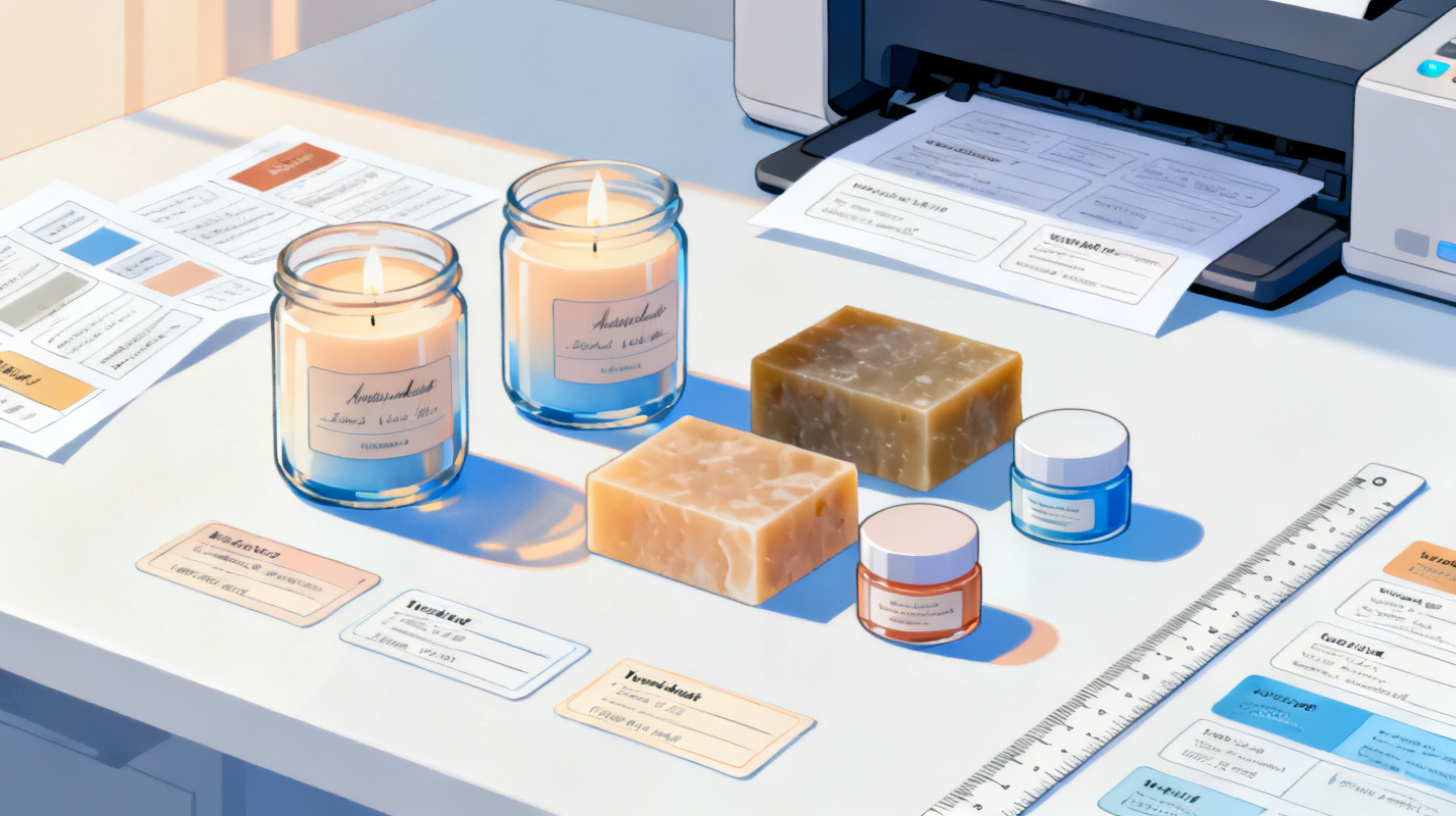
You've perfected your soy candle recipe, nailed your soap formulation, or created a lip balm that actually works. Now comes the part most makers dread: labeling. Getting your product labels right isn't just about looking professional on Etsy or at the farmers market. It's about meeting real legal requirements that protect both you and your customers.
The good news? You don't need expensive design software or a commercial print shop to create labels that check every compliance box. With the right template and a clear understanding of what information belongs on your label, you can design and print professional, regulation-ready labels using tools you already have. If you're ready to jump in, you can browse 1,000+ label templates to find the exact sheet size and shape for your jars, tins, or bottles.
This guide breaks down the specific labeling requirements for candles, soaps, and cosmetics, then walks you through a practical workflow for designing and printing compliant labels from Google Docs or Google Sheets.
What the Law Actually Requires on Your Product Labels
Let's get specific. The labeling requirements for candles differ from those for soap and cosmetics, and mixing them up can result in fines, marketplace listing removals, or worse. Here's what you need to know for each category.
Candle Labeling Requirements
Candles fall under the jurisdiction of the Consumer Product Safety Commission (CPSC), not the FDA. The key standard is ASTM F2058, which specifies fire safety warnings that must appear on every candle sold in the United States. According to CPSC candle safety guidance, your candle label must include:
Fire safety warnings with specific language about never leaving a burning candle unattended
Instructions to keep away from flammable materials
A warning to keep out of reach of children and pets
The signal word "WARNING" or "CAUTION" in capital letters
Burning instructions such as trim wick to 1/4 inch before lighting
Beyond safety, your candle labels should also include your business name and contact information, the net weight of the candle, and the country of origin if applicable. If you're selling on platforms like Etsy or Amazon Handmade, these details aren't optional. They're enforced through platform policies that mirror federal requirements.
A common mistake? Placing the fire warning on a hang tag or bottom sticker that customers might remove before use. The safest approach is printing the warning directly on the primary label that stays with the product throughout its life.
Soap and Cosmetic Labeling Requirements
Here's where it gets nuanced. The FDA distinguishes between "soap" and "cosmetics," and which category your product falls into determines your labeling obligations.
True soap (made primarily from alkali salts of fatty acids, marketed only for cleaning) is regulated by the CPSC, not the FDA. Its labeling requirements are minimal: you need the product identity, net weight, and your business name and address.
Cosmetic products (anything that cleanses, beautifies, or alters appearance, including most "soaps" that contain synthetic detergents or make moisturizing claims) fall under FDA cosmetic regulations. The FDA's guidance for small businesses and homemade cosmetics states that cosmetic labels must include:
Product identity (what it is)
Net quantity of contents in both metric and U.S. customary units
Name and place of business of the manufacturer, packer, or distributor
Ingredient list in descending order of predominance, using INCI (International Nomenclature of Cosmetic Ingredients) names
Warning statements for any ingredients that require them
Directions for safe use when the product could be harmful if misused
The ingredient list alone catches many small makers off guard. You can't just write "coconut oil" on a cosmetic label. The INCI name is "Cocos Nucifera Oil." Shea butter becomes "Butyrospermum Parkii Butter." Getting these names right matters for compliance.
Practical Label Layout for Compliance
Knowing what's required is one thing. Fitting it all on a 2-inch round jar lid sticker is another challenge entirely. Here's a layout strategy that works:
Front/primary display panel: Product name, brand logo, net weight, and any required signal words (like WARNING for candles)
Back/information panel: Full ingredient list, business name and address, directions for use, and any additional warnings
Consider a wraparound label if your container allows it, giving you more real estate for both branding and required text
The FDA specifies minimum font sizes based on your principal display panel area. For most handmade products in smaller containers, the minimum type size for required information is 1/16 of an inch (about 4.5 point font). That's tiny, but it needs to be legible.
Designing Compliant Labels in Google Docs
Once you know what must appear on your label, the next step is actually creating it. You don't need Adobe Illustrator or expensive label design software. Google Docs, paired with the right template, gives you full control over text placement, fonts, and layout.
Step 1: Choose the Right Label Template
Start by identifying the physical label sheets you'll be printing on. Common sizes for candle and cosmetic products include:
2" round labels for jar lids and small tins
2.5" x 3.5" rectangular labels for wrap-around applications on standard candle jars
1.5" x 4" labels for lip balm tubes and small bottles
4" x 3.33" shipping-size labels adapted as back panel information labels
Browse 1,000+ label templates compatible with Avery, OnlineLabels, and other major sheet brands. You'll find templates for round, rectangle, oval, and specialty shapes that match your container perfectly.
Step 2: Build Your Label Content
Before touching any design tool, write out your complete label copy in a plain document. This is your compliance checklist:
Product name clearly stated
Net weight in oz and grams (for cosmetics)
Your business name
City, state, and ZIP code (street address optional if listed in a phone directory)
Complete INCI ingredient list (for cosmetics)
Fire safety warnings (for candles)
Any allergen warnings or usage directions
Having all your text finalized before you start designing prevents the frustrating cycle of redesigning when you realize you forgot a required element.
Step 3: Design and Format in Google Docs
With your template loaded in Google Docs through the Foxy Labels add-on, you can format each label cell with your content. The detailed walkthrough in how to make and print labels in Google Docs covers the full process, but here are the key compliance-focused tips:
Font size management: Start with your longest required text block (usually the ingredient list) and size it to fit within your label boundaries. Then build your design around that constraint. Many makers design a beautiful front label first, then discover their ingredient list doesn't fit. Work backward from compliance, then add branding.
Text hierarchy: Use bold for required signal words like WARNING. Use a slightly larger font for your product name. Keep your ingredient list in a consistent, readable font. Sans-serif fonts like Arial or Roboto tend to stay legible at smaller sizes.
Color contrast: Whatever your design aesthetic, required text must be readable. Dark text on a light background, or vice versa, with sufficient contrast. If your brand uses a dark label, consider a white text box for your required information panel.
Margins and bleed: Leave at least 1/16 inch of padding between your text and the label edge. Printers aren't perfectly aligned, and text that runs to the very edge of a label risks getting cut off during application.
Batch Printing Multiple Product Variants from a Spreadsheet
If you make candles in 12 scents, soaps in 8 varieties, or a cosmetics line with different product types, designing labels one at a time is painfully slow. This is where printing labels from a spreadsheet transforms your workflow.
Setting Up Your Product Data Spreadsheet
Create a Google Sheets document with columns for every piece of variable information:
Product Name | Scent | Net Weight | Ingredients (INCI) | Warning Text | SKU |
Soy Candle | Lavender | 8 oz / 227g | N/A | CAUTION: Never leave... | SC-LAV-8 |
Soy Candle | Vanilla Bean | 8 oz / 227g | N/A | CAUTION: Never leave... | SC-VAN-8 |
Body Butter | Unscented | 4 oz / 113g | Butyrospermum Parkii Butter, Cocos Nucifera Oil... | For external use only | BB-UNS-4 |
Your warning text column might contain the same content across all candles, but having it in the spreadsheet means it's always included, never accidentally omitted. Think of your spreadsheet as a compliance database that guarantees every label gets every required element.
Merging Data into Label Templates
Using how to print labels from Google Sheets, you can merge your product data directly into Avery-compatible label templates. The workflow pulls each row from your spreadsheet and populates a label cell with the corresponding data, formatted according to your template design.
This approach offers massive advantages for compliance:
Consistency: Every single label for a given product contains identical required information. No typos between batches.
Scalability: Adding a new scent or product variant means adding one row to your spreadsheet, not redesigning a label from scratch.
Audit trail: Your spreadsheet serves as a record of exactly what appeared on labels for each product, useful if you ever face a compliance question.
Quick updates: If regulations change or you reformulate a product, update the spreadsheet once and reprint. No hunting through multiple design files.
Print Settings That Preserve Compliance Text
When you're printing labels with small required text (especially ingredient lists), print quality matters. A few settings to verify:
Print at the highest quality setting your printer supports ("Best" or "High" in most printer dialogs)
Use actual label sheets, not plain paper, for final prints. The coating on label paper holds ink differently and affects text clarity
Print a test page on plain paper first. Hold it up against your label sheet to verify alignment before committing label stock
If text appears fuzzy, switch from a color cartridge to a dedicated black cartridge for sharper text rendering
For products that will be exposed to moisture (think bathroom soap labels or kitchen candle labels near sinks), you'll want to explore waterproof label materials and compatible printing approaches. Check out guidance on how to print waterproof product labels at home with Google Docs for specific paper and coating recommendations.
Avoiding Common Compliance Mistakes That Get Products Pulled
Even with the best intentions, small makers frequently trip over labeling rules that seem minor but carry real consequences. Here are the mistakes that most commonly lead to Etsy listing removals, marketplace suspensions, or warning letters.
Making Prohibited Claims
The single fastest way to turn your "soap" into an FDA-regulated drug is to make therapeutic claims on the label. Words and phrases to avoid unless you want drug-level regulatory scrutiny:
"Heals" or "cures" anything
"Anti-aging" or "reduces wrinkles"
"Treats acne" or "clears skin"
"Relieves pain" or "reduces inflammation"
"Antibacterial" (unless registered as an OTC drug)
You can describe what your product does physically ("moisturizes," "cleanses," "softens skin") but you cannot claim it treats, prevents, or cures any condition. The line between cosmetic and drug isn't about ingredients. It's about claims.
Missing or Incorrect Net Weight
Net weight must reflect the product itself, not the product plus container. For candles, this means the weight of the wax and fragrance, not including the jar. For soaps and cosmetics, it's the product without packaging. Getting this wrong isn't just a technicality. It's considered mislabeling and can result in enforcement action.
Weigh 5 to 10 units from each batch and use the average. If there's variation between units, your stated net weight should reflect the minimum a customer would receive, not the maximum.
Omitting Required Contact Information
Many Etsy sellers use only their shop name on labels without a physical address. FDA cosmetic labeling requires a street address (or a P.O. Box if your business is listed in a current city directory). Simply listing "ShopName, Etsy.com" doesn't satisfy the requirement.
If you work from home and don't want to publish your home address, rent a P.O. Box or use a virtual business address service. This investment protects both your compliance status and your privacy.
Putting It All Together
Compliant labeling doesn't have to be overwhelming. Break it into three phases: know your requirements based on product category, set up your label content systematically (preferably in a spreadsheet), and use templates that match your physical label sheets. When you're ready to start designing, the Foxy Labels pricing plans give you unlimited printing from Google Docs and Sheets starting at $39 per year, making it practical to iterate on designs and reprint whenever you reformulate or expand your product line.
Your labels are often the first thing a customer reads about your product. Making them both beautiful and compliant builds trust, protects your business, and keeps your products on shelves and in online marketplaces where customers can find them.
Install Foxy Labels
Get started with Foxy Labels and create perfectly aligned labels in minutes.
Get Started